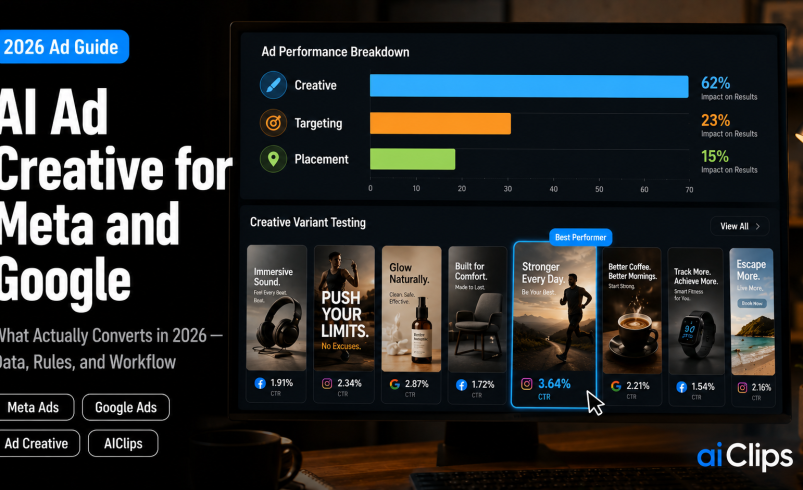

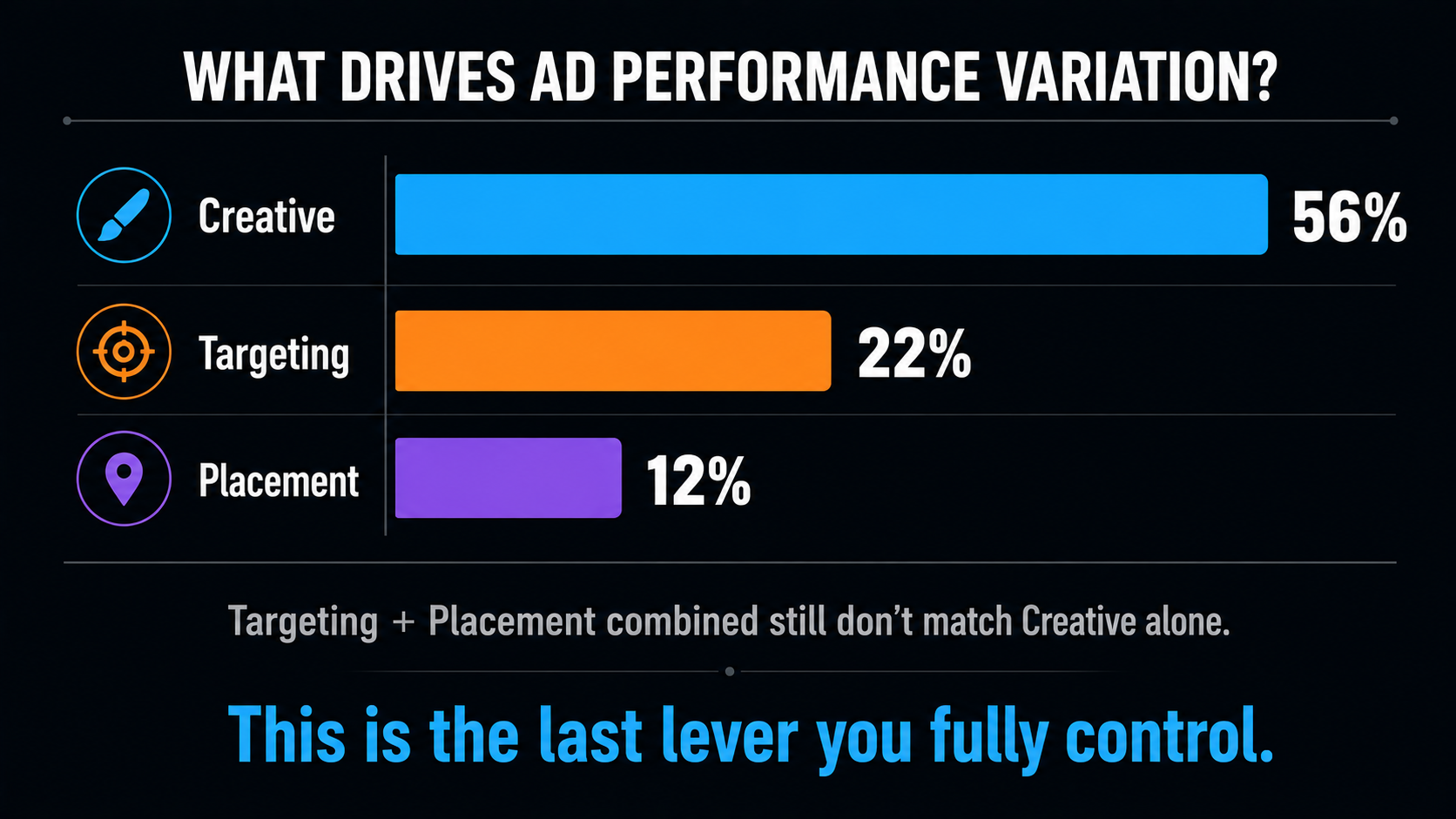
Here is a number that should reorganise your entire advertising week. According to Meta’s own data, creative accounts for 56% of ad performance variation — more than audience targeting at 22% and placement at 12% put together. Targeting is largely automated now. Placement is automated. What you make is the last big lever you still control, which is exactly why ad creative is where AI has become genuinely useful rather than merely trendy. This guide covers the ad creative that works on Meta and Google in 2026, the benchmarks, and the two rules that will save you from rejected ads and wasted spend.
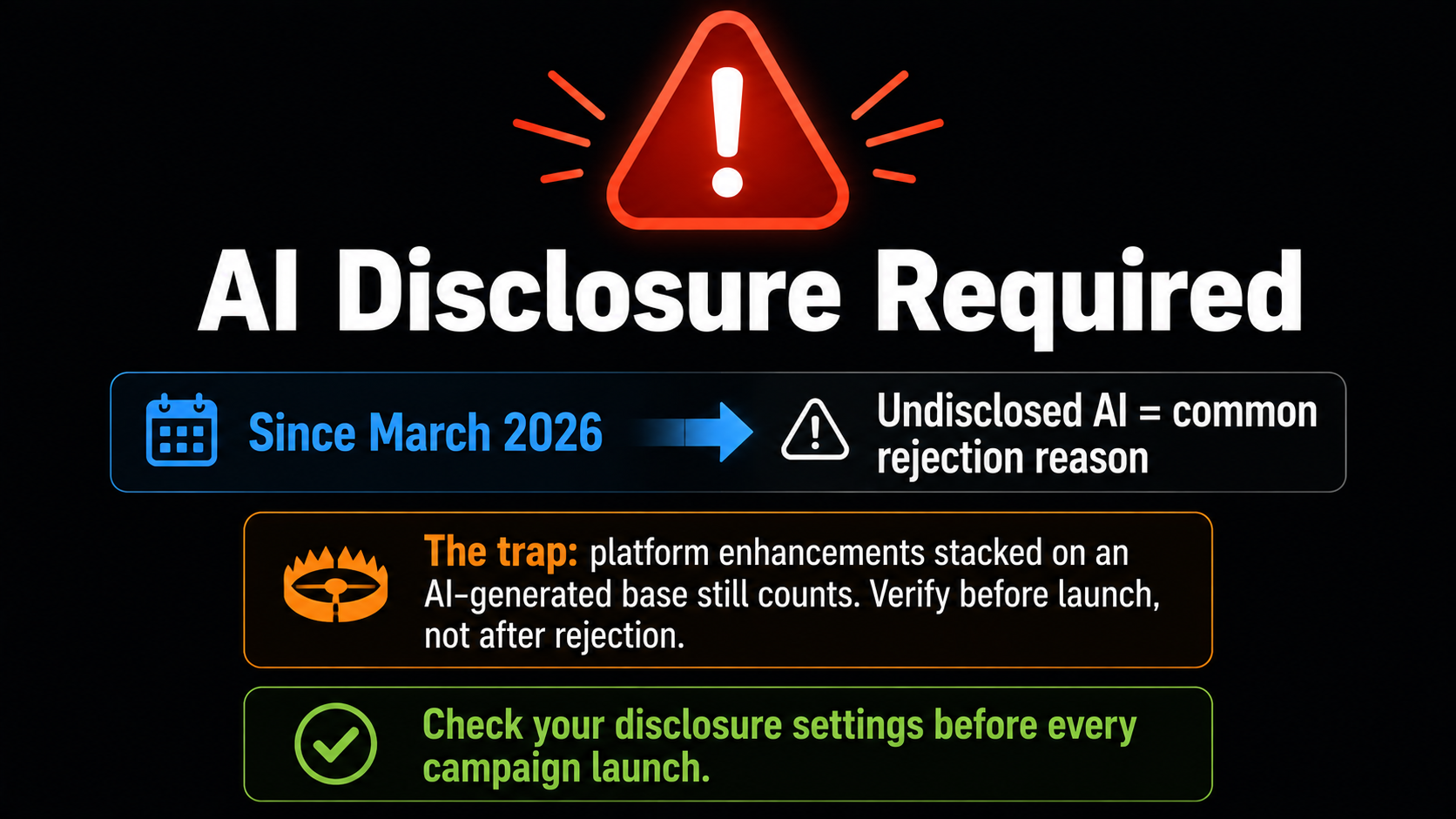
I will put the most urgent one up front: since March 2026, Meta requires you to disclose AI-generated or AI-modified content in ads, and undisclosed AI is now one of the more common reasons ads get rejected. If you take nothing else from this piece, take that.
| Why creative matters | Meta’s data puts creative at 56% of performance variation, ahead of targeting (22%) and placement (12%) combined. |
| The CTR win | Across 50,000+ ad variations, AI-generated creative delivered around 12% higher click-through on Meta. |
| The honest catch | Conversions run about 8% lower on high-consideration purchases. AI creative is strongest below roughly $100 AOV. |
| Disclosure rule | Since March 2026 Meta requires AI-content disclosure. Skipping it is a common rejection reason. |
| Volume beats polish | Generate 6–12 variants per angle, refresh every 2–3 weeks, and let the platform find the winner. |
Why Creative Is the Only Lever Left
Think about what you actually control in a 2026 ad account. Targeting decisions have been handed to Advantage+ and Performance Max. Placements are chosen by the algorithm. Bidding is automated. Budget allocation shifts on its own. One by one, the dials media buyers used to obsess over have been handed to a model, leaving ad creative as the last real lever.
What remains is the ad creative itself, and the platforms have quietly told us this is where the game is now. Meta’s ranking system processes vastly more ad variants in parallel than its predecessor did, which means the competition has shifted from who can target better to who can feed the machine better material. If your creative is weak, no amount of automation will rescue the campaign. If it is strong and varied, the automation will find the winners for you.
The Benchmarks: Where AI Creative Wins and Loses
The data on AI ad creative is more nuanced than either the hype or the backlash suggests.
| Metric | What the data shows |
|---|---|
| Click-through rate | AI-generated ad creative delivers roughly 12% higher CTR on Meta across 50,000+ variations |
| Conversion rate | Around 8% worse for high-consideration purchases above roughly $100 AOV |
| ROAS parity | Parity zone has widened from under $25 AOV in early 2025 to about $100 in 2026 |
| Advantage+ Creative | Reported ~22% ROAS increase versus manual creative settings |
| Advantage+ Sales | Around 32% higher ROAS and 17% lower CPA than manual campaigns in benchmark tests |
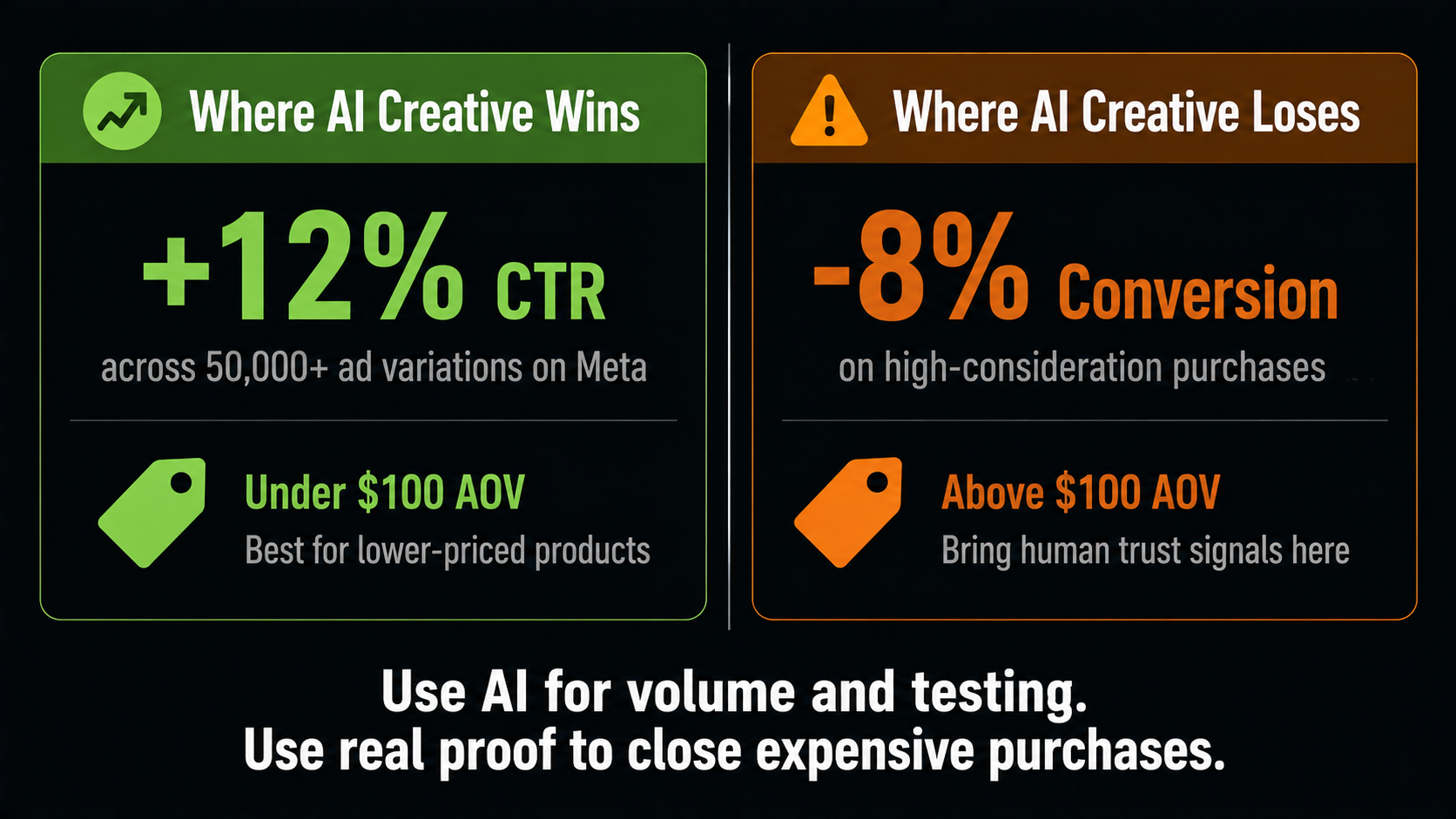
Read the first two rows together, because that is the whole strategic picture. AI creative is exceptional at getting the click and weaker at closing an expensive, considered purchase. So for lower-priced products, AI-generated ad creative should be your default production method. For a high-ticket item, use AI for volume and testing, but bring genuine human trust signals — real customers, real demonstrations, real proof — into the assets that carry the conversion.
The Disclosure Rule You Cannot Skip
How Advantage+ Creative Actually Works
Most advertisers either ignore this ad creative feature or switch it on with defaults and hope. Both are mistakes, so it helps to understand what it does.
When you upload a single piece of ad creative, Advantage+ Creative applies a set of enhancements to spin it into many versions: adjusting brightness and contrast, cropping and converting aspect ratios for different placements, generating headline and description variations from your copy, adding music to static images, and even generating lifestyle backgrounds that place your product in a kitchen or an office without new photography. Each person then sees the combination Meta predicts will work on them. The platform reserves a slice of impressions — up to around 5% — to keep testing new combinations, and scales whatever wins.
The catch is that not every enhancement helps every campaign. Automatic music often lifts Reels and Stories placements while hurting feed performance. Auto text overlays sometimes clash with ad creative you designed carefully. The swing between a good and bad configuration can run 15 to 30% on CTR, which is far too big to leave to chance. Test each setting against a manual control instead of enabling everything blindly.
The Production Workflow That Works
1. Start From Your Winners BRIEF
Do not brief from imagination. Sort your existing ads by ROAS at the creative level and look for the pattern — is UGC-style beating polished video, is urgency beating features? Brief your next round of ad creative around what the data already validated.
2. Write a Four-Layer Prompt PROMPT
A strong generation prompt has four layers: the main subject (product plus scene), the visual style (photoreal, 3D, flat), the brand elements (palette, typography, logo), and the technical specs (aspect ratio). Miss a layer and the model fills the gap with something generic.
3. Generate 6–12 Variants Per Angle VOLUME
One idea is not a test. Produce six to twelve visuals for each creative angle so the platform has enough material to find a statistically meaningful winner. This volume is precisely what AI makes affordable and manual production never did.
4. Export Native Ratios FORMAT
Do not rely on auto-cropping. Export 1:1 for feed, 4:5 for portrait feed (often the higher CTR), 9:16 for Stories and Reels, and 16:9 for in-stream. Accounts supplying native 9:16 assets have seen 15–25% lower CPM on Stories placements.
5. Launch and Leave It Alone PATIENCE
After launching or significantly editing, the platform needs roughly seven days to calibrate delivery, and every edit resets that clock. Panic-editing on day two is one of the most expensive habits in paid media. Plan your calendar around the learning window.
6. Refresh Before Fatigue CADENCE
Most campaigns need new ad creative every two to three weeks. The gains from dynamic creative come from keeping the input pipeline fresh, not from one brilliant asset. Build refreshing into your routine rather than reacting once performance drops.
Google’s Side: Performance Max
Google runs the same ad creative philosophy under a different name. Performance Max serves across Search, Shopping, YouTube, Display, Discover, Gmail, and Maps from one campaign, assembling your assets into combinations for each surface. Reported median ROAS sits somewhere in the region of 2.5x to 4.6x, and Google has extended AI-driven query expansion into standard Search campaigns too.
The practical implication is identical to Meta’s: you are feeding an asset library, not building individual ads. That means supplying plenty of headlines, descriptions, images in multiple ratios, and video, then letting the system assemble. Thin asset groups are the single most common reason Performance Max underperforms, and generating enough ad creative to fill them properly is exactly the job AI is good at.
What Makes an Ad Creative Convert
The production system matters, but your ad creative still has to do a job. A few principles hold across both platforms in 2026.
- Win the first three seconds. Video ad creative lives or dies on the opening hook. No slow brand intros, no logo animations.
- Design for sound-off. A large share of impressions are watched on mute, so captions and on-screen text carry your message.
- Mix UGC-style with polished. Raw, authentic-looking assets often outperform glossy brand films, so run both and let the data decide.
- Lead with the benefit, not the feature. The viewer is scrolling and needs to know what changes for them, immediately.
- Keep a winning hooks folder. Save every hook and visual that performs. Your next brief should start from that folder, not a blank page.
Mistakes That Waste Ad Spend
Most underperforming accounts are not suffering from bad luck. They are repeating a handful of avoidable errors, and each one is fixable this week.
- Running three assets forever. Frequency climbs, fatigue sets in, and performance decays. If your ad creative library is not growing, your results will shrink.
- Editing during the learning window. Every significant change restarts the roughly seven-day calibration. Constant tinkering keeps a campaign permanently in learning.
- Enabling every enhancement blindly. Defaults are not optimised for you, and a bad configuration can cost you double-digit CTR.
- Skipping AI disclosure. A rejected ad wastes a launch window and can flag your account. Set the disclosure before you publish.
- Judging ad creative on impressions. Look at ROAS and CPA at the creative level, since that is where the pattern for your next brief actually lives.
- Thin asset groups on Performance Max. Feeding Google a handful of assets starves the system that is meant to be assembling combinations for you.
Fix those six and you will usually see improvement without touching your budget or your targeting, which is the clearest proof of how much of modern performance sits in the ad creative itself.
For Indian Advertisers Specifically
The economics here land differently. A small D2C brand in India running ads on a modest monthly budget could never afford a studio shoot for every creative angle, which meant most accounts ran the same three tired assets until performance collapsed. Being able to generate a dozen pieces of ad creative for the cost of a subscription changes what a small advertiser can compete on.
Two India-specific plays are worth building into your routine. Regional-language ad creative is badly under-used, and generating Hindi, Tamil, or Marathi versions of a winning asset is cheap once the concept is proven. And festive periods reward volume more than any other time, since fresh ad creative for each phase of a Diwali or wedding-season push is what keeps frequency from burning out your audience. For the product-image side of this, our ProductShot walkthrough pairs directly with this workflow.
Where AIClips Fits
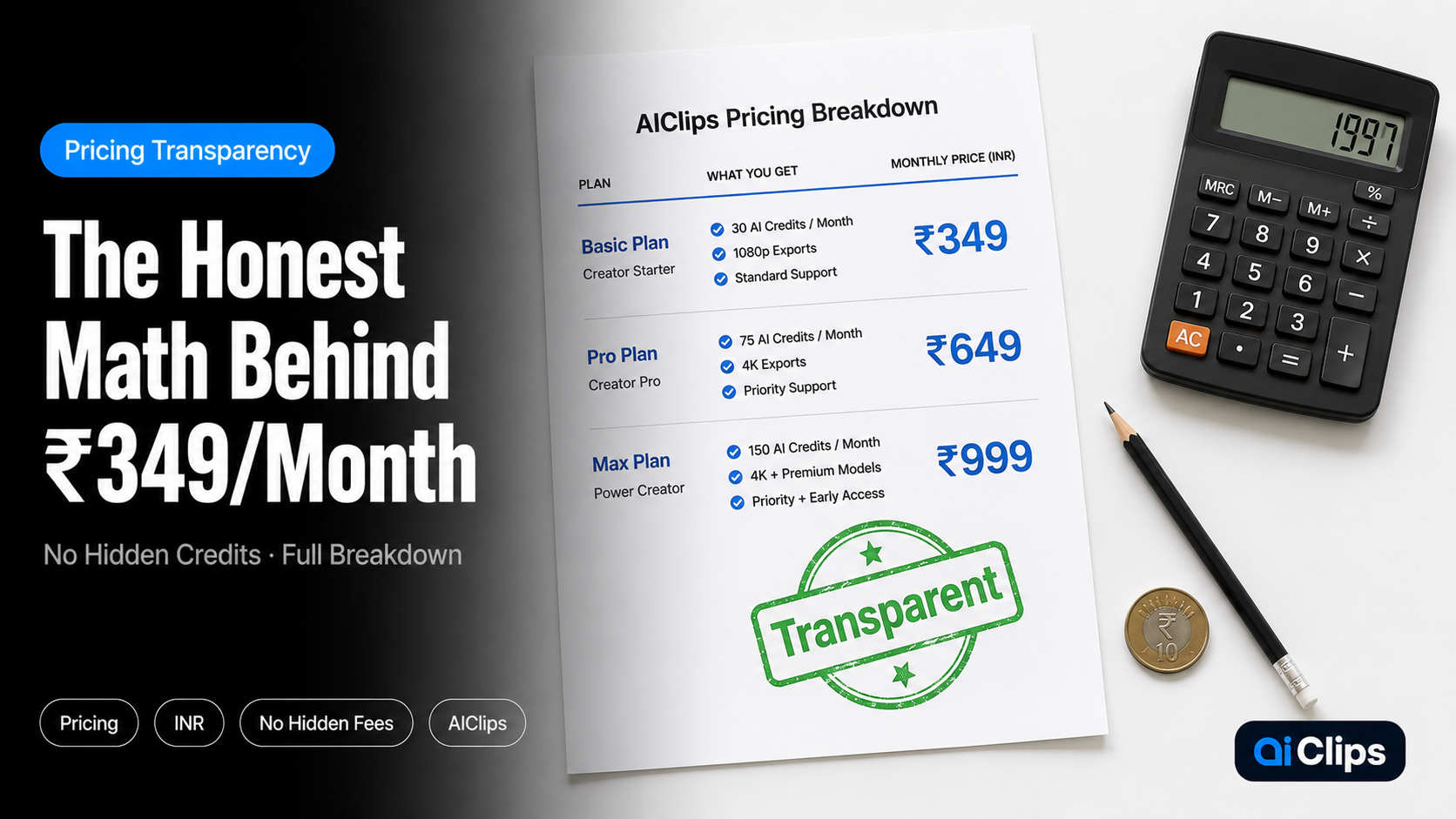
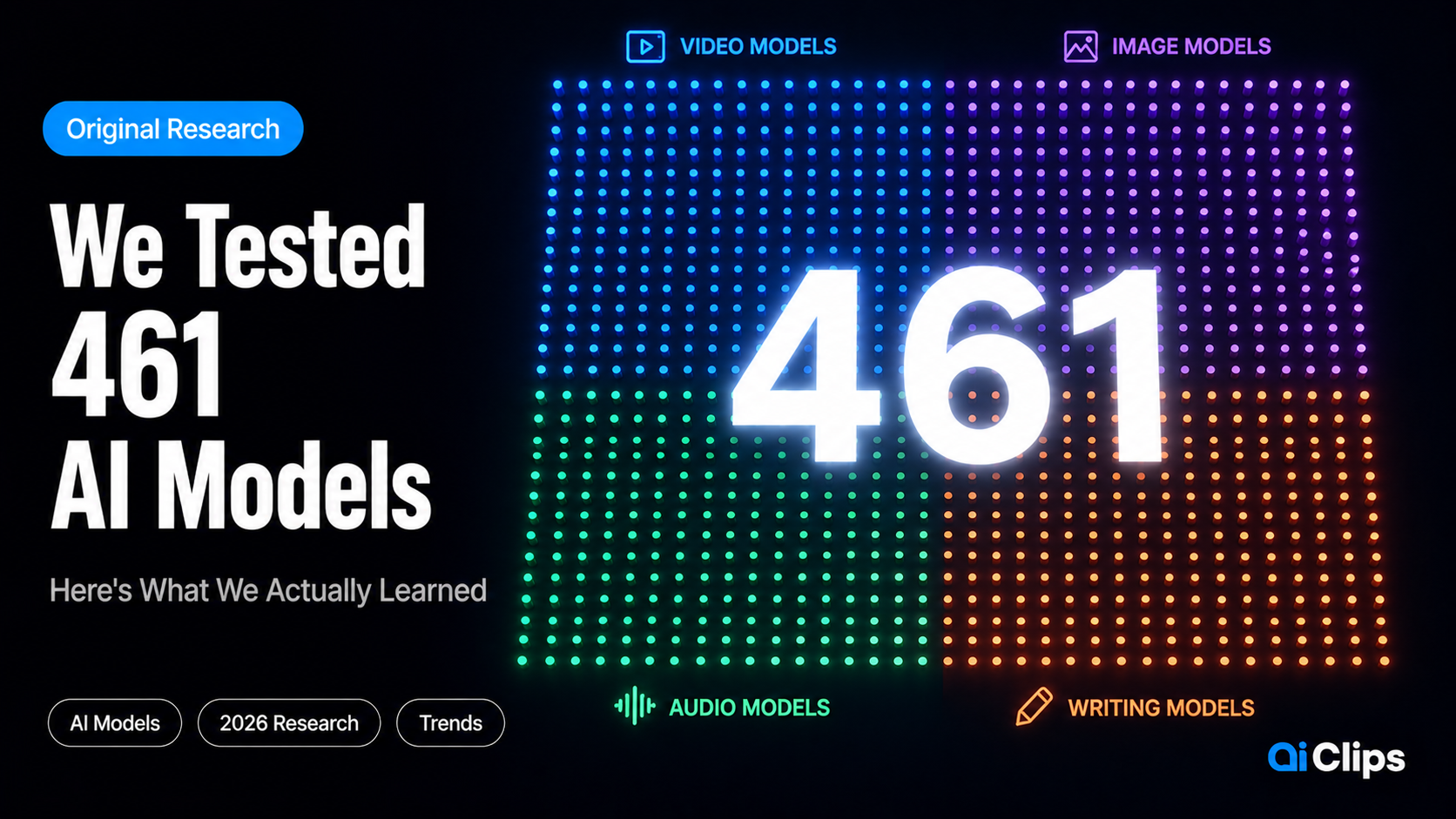
Our role here is production, and only production, so let me be exact. AIClips is not an ads manager, a media buying platform, or an analytics tool — you run and measure campaigns in Meta Ads Manager and Google Ads. What AIClips does is manufacture the raw material those systems are hungry for: product images, lifestyle scenes, video ad creative, multiple aspect ratios, voiceovers, and regional-language versions, across 461 models in one dashboard at ₹349/month with UPI.
Given that the platforms now want six to twelve pieces of ad creative per angle and a refresh every few weeks, the production bottleneck is the real constraint on most small accounts, and that is the part we remove. You still own the strategy, the offer, and the disclosure compliance.
The Bottom Line
Targeting, bidding, and placement have all been automated away. What is left is the ad creative, and the platforms have been unusually clear that this is where performance is decided now. That is good news for a small advertiser, because volume and variety are no longer gated behind a studio budget.
Work the system as it is built: generate plenty of variants per angle, export native ratios, disclose your AI use, resist editing during the learning window, and refresh before fatigue sets in. Then read your results at the creative level and let the winners brief the next round. Done consistently, that loop beats a bigger budget spent on tired assets, and it compounds, because every round teaches you something the next one can use.
Frequently Asked Questions
Does AI ad creative actually perform better?
Do I have to disclose AI-generated ads on Meta?
How many ad creative variants should I make?
How often should I refresh creative?
Should I enable all Advantage+ enhancements?
Can AIClips run my ad campaigns?
Produce Ad Variants at Volume on AIClips
Product images, video, every aspect ratio, and regional versions — 461 models in one dashboard. INR pricing, UPI, from ₹349/month.
Start on AIClips →